
BX system installation manual, provides installation steps and precautions.
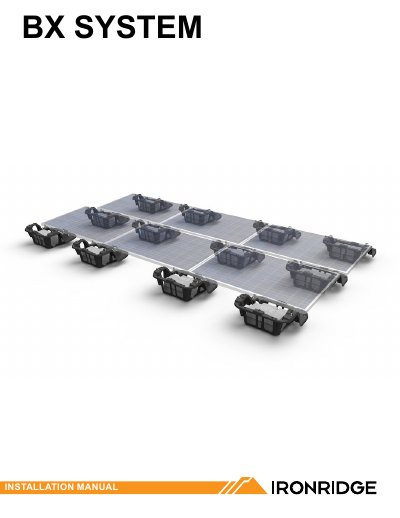
The document serves as an official guide for installing the IronRidge BX System, a mounting solution designed to clamp flat-plate photovoltaic modules. It outlines critical pre-installation steps, including verifying module compatibility and gathering necessary tools like torque wrenches and sockets.
Detailed installation instructions cover marking layouts, placing chassis units, mounting optional MLPE devices, laying ballast blocks, anchoring systems, and completing electrical grounding. The guide emphasizes safety compliance with NEC standards and provides specific torque values for various hardware components to ensure system reliability.
| Max Overcurrent Protective Device (OCPD) Rating | 40A |
|---|---|
| Max Module Size | 30.5ft² |
| System Level Allowable Design Load Rating (Downward) | 30 PSF |
| System Level Allowable Design Load Rating (Lateral) | 5 PSF |
| Approved Roof Pitch | up to 7 degrees |
Required tools include a cordless drill, torque wrench, and specific sockets such as 9/16", 7/16", and 1/2".
The system supports a maximum module size of 30.5 square feet.
Compatible MLPE mounting brackets include EcoFasten Frame and QMPV Accessory Frame Bracket.