
This document provides quick start instructions, installation steps, and usage guides for the InterVideo Home Theater digital entertainment solution.
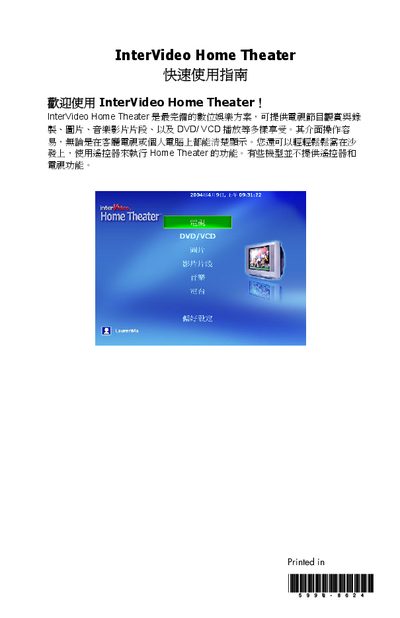
The InterVideo Home Theater is a complete digital entertainment solution designed for viewing TV programs, recording content, and playing pictures, music, video clips, and DVDs/VCDs. It features an easy-to-use interface that works on both living room televisions and personal computers, allowing users to control the system via a remote control. This manual is written in Chinese.
You can double-click the desktop shortcut, select it from the Start menu under Programs > InterVideo Home Theater, or press the 'Home Theater' button on the remote control.
The system requires a TV tuner card and a signal source; if no tuner card is installed, the TV and radio features will be disabled.
Open the battery compartment on the back of the remote, insert two AAA batteries (alkaline recommended), and plug the receiver into an available USB port.