
InterVideo Home Theater is a digital entertainment solution that supports watching TV and video, pictures, music, video clips and DVD/VCD playback.
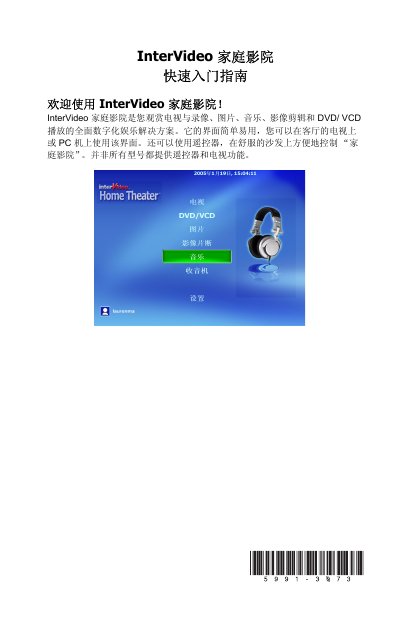
This guide walks you through installing InterVideo Home Theater from the supplied CD, including default installation paths and required system restarts. It also explains how to connect a TV tuner or FM radio, set up the remote control, and configure basic and advanced settings.
After installation, the guide details how to use the main features such as DVD/VCD playback, TV viewing, picture and video browsing, music playlists, CD burning, radio tuning, and remote‑control or keyboard shortcuts for quick navigation. This manual is written in Chinese.
| Default installation folder | C:\Program Files\InterVideo\Home Theater |
|---|---|
| Remote control battery type | Two AAA alkaline batteries |
Insert the InterVideo Home Theater installation CD, run setup.exe if it does not start automatically, and follow the installation wizard.
The remote uses two AAA alkaline batteries.
Press the key combinations shown in the guide, such as Ctrl+Shift+Alt+4 for the My Music shortcut.