
User manual for Interra iX4 4” KNX touch panel, covering installation, features, sensors, and programming with ETS.
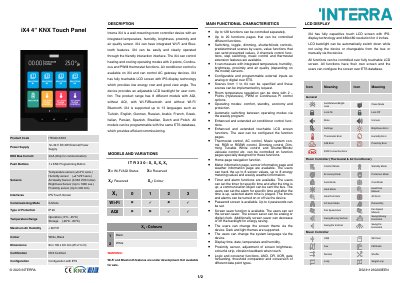
The Interra iX4 is a wall-mounted room controller with integrated sensors for temperature, humidity, brightness, proximity, and air quality. It supports Wi-Fi and Bluetooth, and features an IPS touchscreen for intuitive control. The device can manage heating and cooling modes via 2-point, continuous, or PWM functions. It supports 13 languages and uses the same ETS database for all models, simplifying programming and commissioning.
Installation requires mounting in a dry interior, connecting KNX and power cables, and securing with 1 Nm torque. The panel includes safety instructions, screen saver, password protection, and customizable themes and languages. It also supports timer, alarm, and scene functions for enhanced automation.
| Power Supply | 12~30 V DC 2W |
|---|---|
| KNX Bus Current | 3mA |
| Display | 4” IPS Touch Screen, 480x480 resolution |
| Operating Temperature | -5°C to 45°C |
| Maximum Air Humidity | < 90 RH |
| Dimensions | 84 x 100 x 8.6 mm (W x H x D) |
| Certifications | KNX Certified, CE |
It includes temperature, humidity, brightness, proximity, and air quality sensors (depending on model).
It supports up to 13 languages including Turkish, English, German, Russian, Arabic, French, Greek, Italian, Persian, Spanish, Brazilian, Dutch, and Polish.
Yes, all models can be programmed with the same ETS database for efficient commissioning.
It must be mounted in a dry interior using a standard-sized round or square wall flush mounting box, after wall painting is complete.