
Key facts
- Manuals
- 1
- Languages
- EN
- Last added
- 2026-11-23
Featured Interra manuals
Interra iX4 4” KNX Touch Panel User Manual
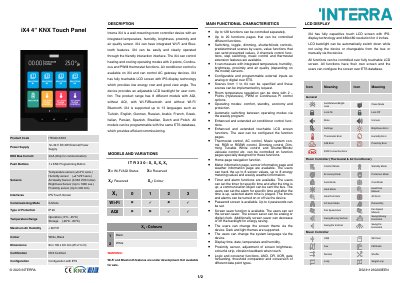
The Interra iX4 is a wall-mounted room controller with integrated sensors for temperature, humidity, brightness, proximity, and air quality. It supports Wi-Fi and Bluetooth, and features an IPS touchscreen for intuitive control. The device can manage heating and cooling modes via 2-point, continuous, or PWM functions. It supports 13 languages and uses the same ETS database for all models, simplifying programming and commissioning.
Installation requires mounting in a dry interior, connecting KNX and power cables, and securing with 1 Nm torque. The panel includes safety instructions, screen saver, password protection, and customizable themes and languages. It also supports timer, alarm, and scene functions for enhanced automation.
Covers: Installation · Features · Sensors · Programming with ETS · Touchscreen Interface · Safety Instructions
Latest Interra manuals
Interra iX4 4” KNX Touch Panel User Manual
User Manual 2 pages · 719 KB · ENUser manual for Interra iX4 4” KNX touch panel, covering installation, features, sensors, and programming with ETS.
Which document do I need?
User Manual
Day-to-day operation, settings and troubleshooting. Start here if the product is already set up.
Questions answered in Interra manuals
What sensors does the iX4 include?
It includes temperature, humidity, brightness, proximity, and air quality sensors (depending on model).
How many languages does the iX4 support?
It supports up to 13 languages including Turkish, English, German, Russian, Arabic, French, Greek, Italian, Persian, Spanish, Brazilian, Dutch, and Polish.