
User guide for Intel Matrix Storage Console to create, delete, or rebuild RAID volumes.
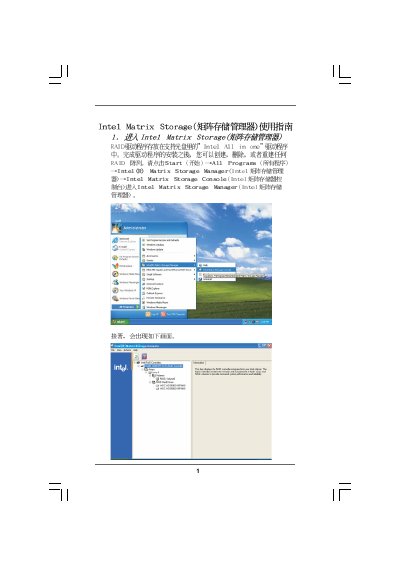
This manual explains how to use the Intel Matrix Storage Console to manage RAID volumes. Users can create RAID volumes from existing hard drives, configure volume settings, and monitor migration progress. The process requires backing up data before proceeding, as existing data on selected drives will be permanently deleted.
After completing the migration, a system reboot is required to access the full capacity of the new RAID volume. The console provides step-by-step wizards for creating RAID volumes, selecting source and member drives, and configuring volume parameters such as name, RAID level, and stripe size.
| Stripe Size | 4KB to 128KB |
|---|---|
| Volume Name Length | 1-16 characters |
Select 'Create RAID Volume from Existing Hard Drive' in the Intel Matrix Storage Manager, then follow the wizard to configure the volume name, RAID level, and stripe size.
Yes, a system reboot is required to use the full capacity of the new RAID volume after migration is complete.