
Setup, Web UI and API instructions for the InfiniteLoop Crystal Signal Pi LED signal add-on for Raspberry Pi, covering scripts, voice and logs.
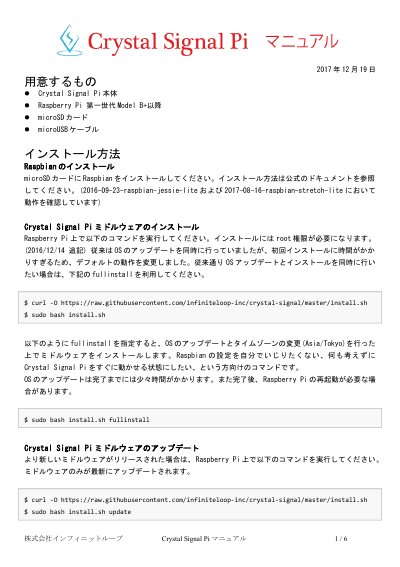
This manual from Infiniteloop Co., Ltd. explains how to set up and use the Crystal Signal Pi with a Raspberry Pi (first generation Model B+ or later), a microSD card and a microUSB cable. It describes installing Raspbian, installing the Crystal Signal Pi middleware with the install.sh script, the fullinstall option that also updates the OS and sets the timezone to Asia/Tokyo, and updating the middleware with install.sh update.
The guide then covers operating the LED from the Web UI at the Raspberry Pi's IP address and from the API, listing the parameters color, mode, period, repeat, ack, json, noscript, speak and info. It also explains assigning your own scripts to button presses and alerts (using the scripts directory), the speak parameter for voice messages in English or Japanese, and a log that keeps the most recent 500 alerts and is cleared when the middleware restarts. This manual is written in Japanese.
| Supported hardware | Raspberry Pi first generation Model B+ or later |
|---|---|
| LED color range | RGB values from 0 to 255 each |
| Default blink period | 1000 ms (1 second) |
| Response display formats | HTML or JSON |
| Alert log capacity | most recent 500 alerts |
On the Raspberry Pi, download install.sh with curl and run it with sudo bash; adding the fullinstall argument also updates the OS and changes the timezone to Asia/Tokyo.
It stores the most recent 500 alerts, and the log is cleared when the middleware is restarted.
Yes, the API can be called directly with curl to get the same control as the Web UI, for example with color, mode, repeat and period parameters in the URL.