
This guide explains how to automate image processing tasks in ImageJ using macros, the Macro Recorder, and the Batch Process command.
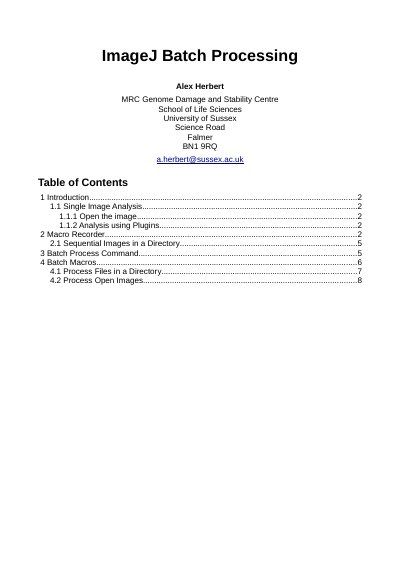
This document provides guidance on using ImageJ to automate the processing of large numbers of image files. It covers single image analysis, the use of plugins, and the Macro Recorder tool for generating scripts.
The recorder supports ImageJ macro language, JavaScript, and Java.
If no output directory is specified, the images will not be saved after running the command.
Any results windows generated by the plugin commands will remain open.