
Installation guide for the ILS24 series lectern system, covering unpacking, moving, assembly, and access procedures for various configurations.
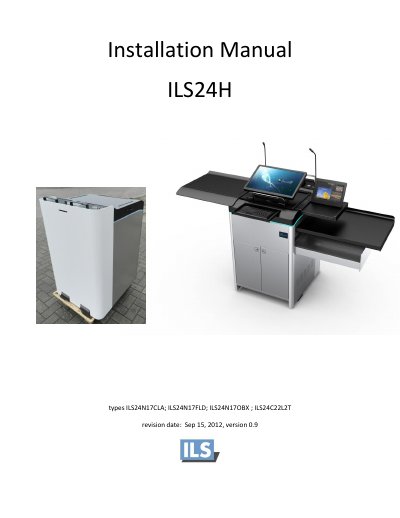
This manual provides instructions for installing the ILS24 lectern system. It covers the initial unpacking process, including removing the crate or carton, and moving the unit to its final location using the included Easymover or by lifting the cabinet on rollers. The guide emphasizes safety precautions, such as ensuring no cables are hanging from the bottom hole before removing the pallet and having at least two strong persons lift the heavy product.
| Height adjustment range | 37 cm |
|---|---|
| Power supplies | 12V + 24V |
| Rack capacity | 3 Rack-unit devices |
The top cover must be fully open to allow the lift to work.
Remove the special screws and let the top come out a few millimeters before pulling the panel straight upwards.