
Key facts
- Manuals
- 1
- Languages
- EN
- Last added
- 2026-11-15
Featured ILS manuals
ILS ILS22M Glass-Plate Interactive System ILStranslator Software User Guide
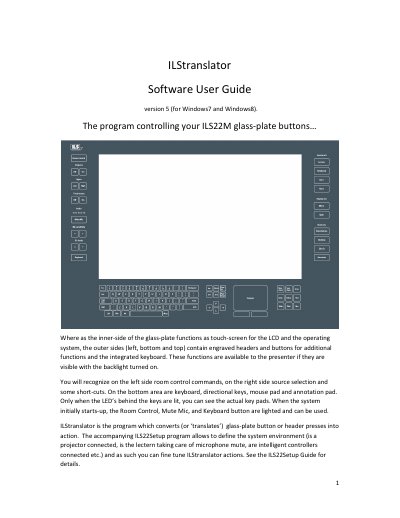
This manual describes the ILStranslator software, which controls the ILS22M glass-plate interactive system. The system features an embedded multi-touch screen driver and physical buttons on the outer sides of the glass plate for functions like room control, source selection, and keyboard access. The software translates button presses into actions and communicates with peripherals via RS232 or TCP/IP connections.
Covers: System Overview · Hardware Buttons · Room Control · Projector Control · Audio Control · Microphone Control
Latest ILS manuals
ILS ILS22M Glass-Plate Interactive System ILStranslator Software User Guide
User Manual 30 pages · 1.9 MB · ENUser guide for the ILStranslator software controlling the ILS22M glass-plate interactive system, covering hardware buttons, system settings, and installation.
Which document do I need?
User Manual
Day-to-day operation, settings and troubleshooting. Start here if the product is already set up.
Questions answered in ILS manuals
What is the function of the ILStranslator program?
The program converts glass-plate button or header presses into action.
From: ILS ILS22M Glass-Plate Interactive System ILStranslator Software User Guide
Can the system control a projector?
Yes, the On key sends a command string to turn the projector on, and the Off key shuts it down.
From: ILS ILS22M Glass-Plate Interactive System ILStranslator Software User Guide