
Web interface user guide for the Ikusi MAC-HD High Definition Standalone Modulator, covering configuration, network settings, and signal adjustment.
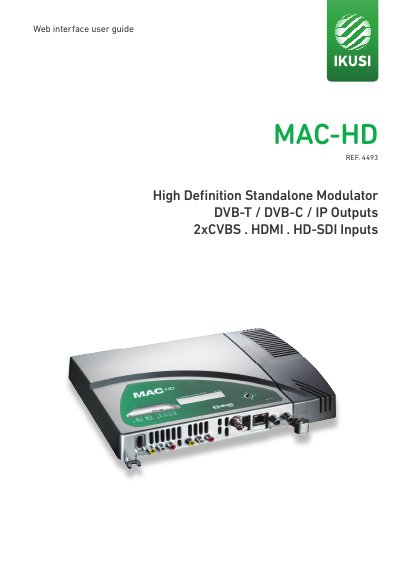
The Ikusi MAC-HD is a standalone modulator designed to process various video and audio formats to create high-definition COFDM/QAM channels. It is intended for use in residential installations, hotels, special buildings, and security video monitoring systems.
The device supports multiple input combinations including HDMI, HD-SDI, and CVBS, and provides outputs via digital DVB-T RF carrier in VHF/UHF and IP signals. Configuration is managed through a web interface via Ethernet connection or via an on-device LCD screen with a control button.
| Inputs | 2x CVBS, HDMI, HD-SDI |
|---|---|
| Output | Digital DVB-T TV signal over an RF carrier in VHF/UHF; IP signal |
| Initial IP Address | 192.168.1.6 |
| Default IP Address | 10.0.0.22 |
The default username and password are both "admin".
The MAC-HD is a standalone modulator used to create a high-definition COFDM/QAM channel by processing various audio and video formats.
The initial IP address is 192.168.1.6.