
Key facts
- Manuals
- 1
- Languages
- EN
- Last added
- 2026-11-15
Featured IKUSI manuals
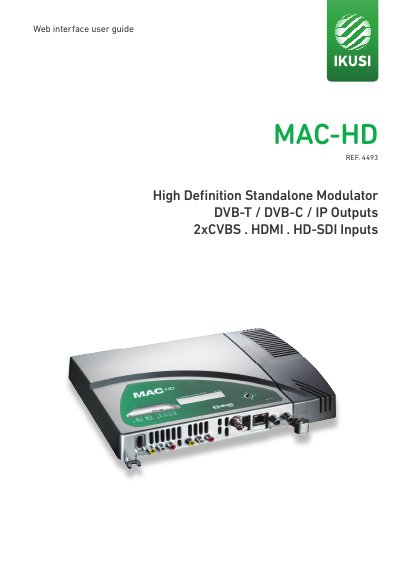
Ikusi MAC-HD High Definition Standalone Modulator Web Interface User Guide
The Ikusi MAC-HD is a standalone modulator designed to process various video and audio formats to create high-definition COFDM/QAM channels. It is intended for use in residential installations, hotels, special buildings, and security video monitoring systems.
The device supports multiple input combinations including HDMI, HD-SDI, and CVBS, and provides outputs via digital DVB-T RF carrier in VHF/UHF and IP signals. Configuration is managed through a web interface via Ethernet connection or via an on-device LCD screen with a control button.
Covers: Introduction · Web interface connection · General Configuration · Identification · Local configuration · Network configuration
Latest IKUSI manuals
Ikusi MAC-HD High Definition Standalone Modulator Web Interface User Guide
User Manual 26 pages · 1.5 MB · ENWeb interface user guide for the Ikusi MAC-HD High Definition Standalone Modulator, covering configuration, network settings, and signal adjustment.
Which document do I need?
User Manual
Day-to-day operation, settings and troubleshooting. Start here if the product is already set up.
Questions answered in IKUSI manuals
What are the default login credentials for the web interface?
The default username and password are both "admin".
From: Ikusi MAC-HD High Definition Standalone Modulator Web Interface User Guide
What is the MAC-HD and what is it used for?
The MAC-HD is a standalone modulator used to create a high-definition COFDM/QAM channel by processing various audio and video formats.
From: Ikusi MAC-HD High Definition Standalone Modulator Web Interface User Guide