
The ICT International SFM1 Sap Flow Meter User Manual provides setup, operation, power, data handling, and theory for measuring sap flow in trees.
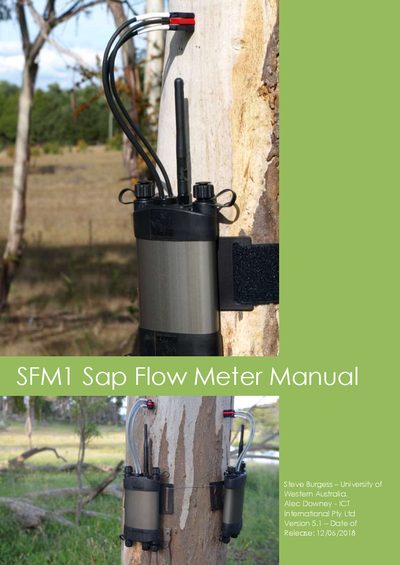
This manual describes the complete operation and installation of the ICT International SFM1 Sap Flow Meter, including hardware requirements, software installation, and step‑by‑step procedures for field deployment. It also covers power management, data storage, and wireless communication options.
In addition to practical instructions, the document explains the Heat Ratio Method theory, calibration procedures, and data analysis techniques, helping researchers obtain accurate sap flow measurements and interpret results for ecological studies.
| Measurement Range | -100 to +100 cm hr⁻¹ |
|---|---|
| Resolution | 0.01 cm hr⁻¹ |
| Accuracy | ±0.5 cm hr⁻¹ |
| Logging Interval | Minimum 3 minutes (recommended 10 minutes) |
| Data Interface | USB, Wireless RF 2.4 GHz |
| Memory Capacity | Up to 16 GB (4 GB card included) |
| Needle Diameter | 1.3 mm |
| Needle Length | 35 mm |
| Dimensions (L×W×D) | 170 mm × 80 mm × 35 mm |
| Weight | 400 g |
| Internal Battery | 960 mAh Li‑Polymer, 4.20 V fully charged |
Press the power button as described in the manual’s “Turn the SFM1 On” section.
You can connect via a USB cable or use the wireless 2.4 GHz RF link as outlined in the “Connect to the Instrument” section.