
This manual provides operating instructions for the I-O DATA QwatchView application, covering camera registration, live viewing, account management, and…
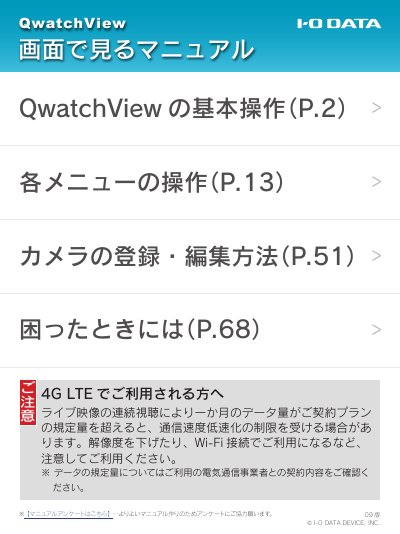
This manual serves as a guide for the I-O DATA QwatchView application, detailing basic operations, menu functions, live video viewing, and account management. It is applicable to various camera device models supported by the software.
The document explains how to register and edit cameras, view live feeds, and utilize specific features like recording and playback depending on the camera model and user permissions. It also covers troubleshooting common issues such as network connectivity checks and permission restrictions. This manual is written in Japanese.
No, files saved to the LAN DISK cannot be viewed or played from outside. Files saved to an SD card can be viewed and played remotely.
This occurs because the feature is not supported by the specific camera model being used.
This happens because the currently logged-in account does not have the necessary permissions. User and Guest accounts have usage restrictions.
No, QwatchView does not support setting the motion detection range. You must open the camera settings screen from a computer to configure this.