
Manual for setting up I-O DATA HDL-H series network attached storage to sync shared folders with Amazon S3, Azure, Box, Cloudn, Dropbox, and OneDrive.
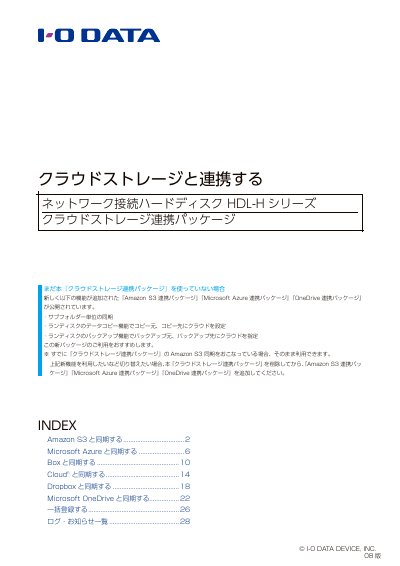
This document explains how to add the Cloud Storage Linkage Package to I-O DATA HDL-H series network attached storage and synchronize shared folders with cloud storage services. It covers Amazon S3, Microsoft Azure, Box, Cloudn, Dropbox, and Microsoft OneDrive, along with bulk registration and logs/notifications.
It includes setup steps such as entering contract information, running connection tests, and starting downloads manually. It also notes requirements and limits, including one cloud service per shared folder, NTP time synchronization, USB HDD format and mode requirements, and Amazon S3 signature version 2 with no Glacier support. This manual is written in Japanese.
| Upload start delay | About 2 minutes after folder files stop updating |
|---|---|
| Amazon S3 bucket name length | 3 to 63 characters |
| Maximum upload file size | 5242880 MB (5 TB) |
| Multipart upload behavior | SinglePart Upload for files under 100 MB |
| Amazon S3 Glacier storage class | Not supported |
| USB HDD synchronization condition | Dedicated format, shared mode only |
| Time synchronization requirement | NTP sync enabled (daily sync enabled) |
| Cloud services per shared folder | Only one cloud service can be enabled |
About 2 minutes after files in the folder stop being updated.
No. Only one cloud service can be enabled for a shared folder.
No, the Glacier storage class is not supported.
The maximum upload file size is 5242880 MB (5 TB).