
The i Care ProjectorPad user manual provides safety information and quick start instructions for charging, power, projector focus, USB, micro SD cards, and…
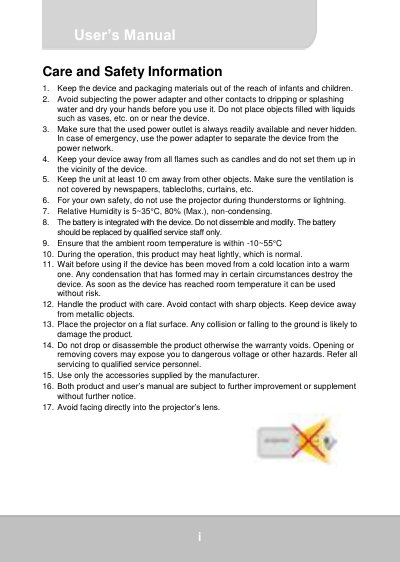
This document is the i Care ProjectorPad user manual and safety information. It begins with multilingual safety notes, FCC compliance, and recycling information, then presents a quick start guide for the tablet projector.
The quick start section covers device controls, package content, charging, turning the device and projector on/off, focus adjustment, USB device connection, micro SD/SDHC cards, Wi-Fi, language input, Google account setup, and APPs.
| Battery | 4000mAH Li-Polymer battery |
|---|---|
| Supported memory cards | Micro SD and micro SDHC cards up to 64 GB |
| Relative humidity | 80% max., non-condensing |
| Ambient room temperature | -10~55°C |
| First charge time | At least 8 hours |
Charge the device for at least 8 hours before its first use.
When the device is powered on, press the Projector On/off switch. Pressing it again deactivates the tablet display and uses only projection.
It can read Micro SD and micro SDHC cards up to 64 GB.
Move the focus wheel upward or downward until the picture is sharp and clear.