
This manual provides operating instructions for the Hunter Industries PILOT-FI Field Interface, covering setup, alarms, display settings, and communication…
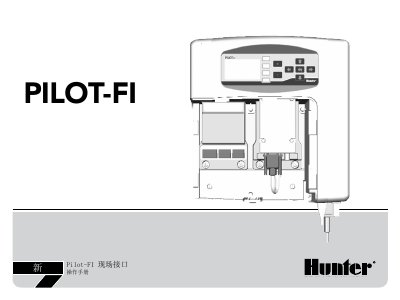
The PILOT-FI Field Interface is used with the PILOT-FC Field Controller or PILOT-DH Decoder Center to connect field devices to a central computer. It allows irrigation management to be completed on the central computer, with irrigation cycles transmitted to field devices as needed. The unit features a control panel with white buttons, arrow buttons, a return button, and +/- keys for navigation and value adjustment. This manual is written in Chinese.
The PILOT-FI field interface connects field devices to a central computer and allows irrigation management to be completed on that computer.
When using a standard USB cable, the distance must not exceed 15 feet or 5 meters.
The unit measures 12 inches high by 11½ inches wide by 3¼ inches deep and weighs 4½ pounds.