
This guide provides installation instructions, Wi-Fi setup steps, and Hydrawise app configuration for the Hunter HC Indoor Irrigation Controller.
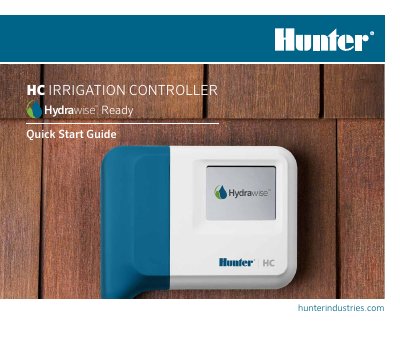
The Hunter HC is an indoor-only irrigation controller designed to connect to a Wi-Fi network. The document details how to prepare the unit for cable entry via rear cutouts or conduit, and provides specific instructions for wall mounting using plastic anchors and screws.
Once installed, the guide explains how to power on the device and run the startup wizard to select a wireless network and enter a password. It also covers connecting the 24V AC transformer and wiring solenoid valves to common terminals or zone inputs, followed by steps to register an account and configure the controller using the Hydrawise app.
The controller is designed for indoor installations only and must not be used outdoors or in unprotected areas.
A signal strength of 2 or 3 bars is recommended to ensure proper connectivity.
Connecting takes about 30 seconds before the Wi-Fi icon stops flashing.
The controller supports either 6 or 12 zones based on the specific model purchased.