
HUAWEI Speed Wi-Fi HOME L02 Quick Start Guide covers included items, buttons and lamps, LED indicators, Wi-Fi and Ethernet connections, and communication modes.
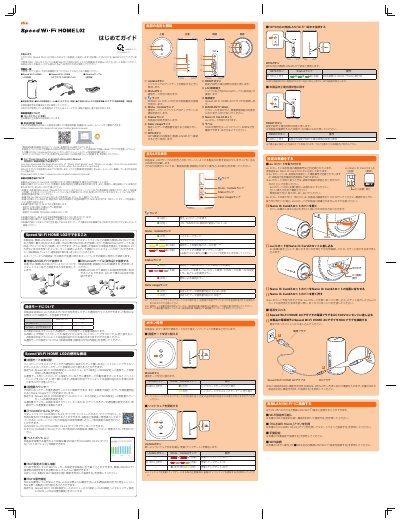
This is the first guide (はじめてガイド) for the HUAWEI Speed Wi-Fi HOME L02. It lists the included items, such as the main unit, AC adapter, Ethernet cable, warranty card, and Wi-Fi initial setup sticker, and explains where to find the detailed instruction manual on the au website and inside the product.
The guide describes the front buttons and lamps, LED status indications, how to connect by Wi-Fi or Ethernet cable, available communication modes, and convenient functions such as communication mode auto-switching and the HUAWEI HiLink app. This manual is written in Japanese.
| Supported networks | WiMAX and LTE |
|---|
It is manufactured by HUAWEI TECHNOLOGIES CO., LTD.
Yes, it can connect by wireless LAN (Wi-Fi) or with the included Ethernet cable.