
This manual provides operating instructions, technical specifications, installation, and maintenance guidelines for the Huawei R4850G2 rectifier module.
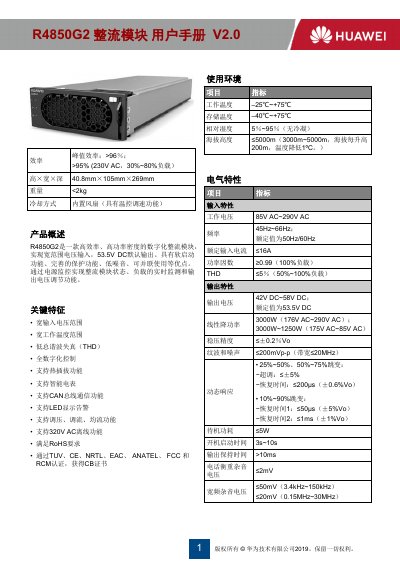
The Huawei R4850G2 is a high-efficiency, high-power density digital rectifier module designed for wide input voltage ranges with a default output of 53.5V DC. Key features include soft-start functionality, comprehensive protection mechanisms, low noise, and support for hot-plugging and intelligent metering. The module supports CAN bus communication and LED display alerts for real-time monitoring and voltage regulation. This manual is written in Chinese.
| Operating Temperature | -25°C~+75°C |
|---|---|
| Storage Temperature | -40°C~+75°C |
| Input Voltage | 85V AC~290V AC |
| Output Voltage | 42V DC~58V DC |
| Rated Output Voltage | 53.5V DC |
| Peak Efficiency | >96% |
| Dimensions | 40.8mm×105mm×269mm |
| MTBF | >500,000 hours |
The module operates between -25°C and +75°C.
The default output voltage is 53.5V DC.
To replace the module, move the latch pin to the left, pull the handle to remove it, and then insert the new module by pushing it along the guide rails until the handle clicks.
It indicates that the output is locked due to overvoltage or the module is not inserted correctly, or there is an internal fault.