
Quick start guide for the HTC Vive Pro headset, covering box contents, hardware setup, VIVE and SteamVR software installation, controllers, and basic use.
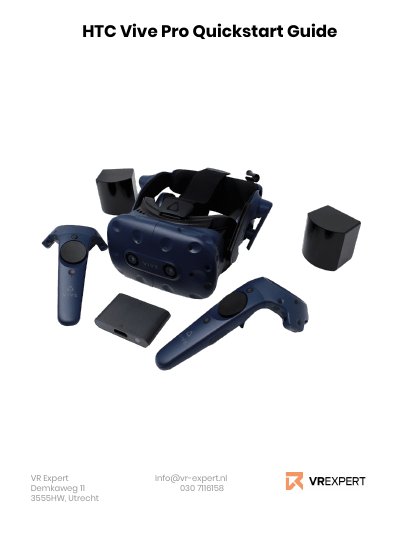
The HTC Vive Pro Quick Start Guide explains what is included in the box and how to prepare the headset for use. It lists the headset, controllers, lighthouses, link box, cables, power adapters, and lanyards, and warns not to expose the lenses to direct sunlight.
The guide gives step-by-step setup instructions: install VIVE and Steam software, create accounts, connect the headset to the link box and computer, power the lighthouses and link box, pair the controllers, and update devices if SteamVR shows exclamation marks. It also describes the in-device menu, downloading applications from the HTC Vive store, and controller buttons.
| Recommended processor | Intel® Core™ i5 -4590 or AMD FX™ 8350, equivalent or better |
|---|---|
| Recommended graphics | NVDIA® GeForce® GTX1060 or AMD Radeon ™ RX480, equivalent or better |
| Memory | 4 GB RAM or more |
| Video out | DisplayPort 1.2 or newer |
| USB ports | 1x USB 3.0 or newer port |
| Operating system | Windows® 8.1 or later, Windows® 10 |
The HMD package includes the headset, 2 sensors, 2 remotes, headset cable, face cushion, cleaning cloth, earphone hole caps, documentation, link box, power adapter, DisplayPort cable, USB 3.0 cable, and mounting pad.
The guide says the device may have a software update; update it, then open the hamburger icon, go to Devices, and choose “Actualise devices.”
Click the Steam menu button, select Store in the HTC Vive main menu, search for the desired application, then press download or buy; the application appears in your library.
Windows 8.1 or later, or Windows 10.