
This document is the Service Manual for the HTC Prodigy PDA Phone
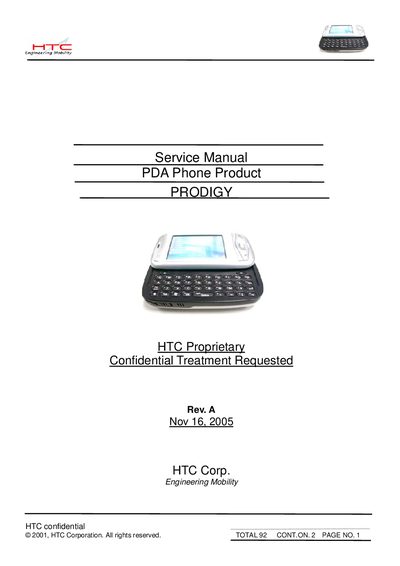
This service manual supplies detailed technical data and step‑by‑step instructions for servicing the HTC Prodigy PDA phone. It covers product specifications, disassembly, diagnostic tools, firmware upgrades, battery testing, and troubleshooting.
The document also lists required service equipment, spare parts, and includes appendices with reset procedures, diagnostic card information, and firmware flashing guidelines.
| Platform | Microsoft Windows Pocket PC phone edition |
|---|---|
| Dimensions (W x H x T) | 58 mm x 109 mm x 23.7 mm |
| Weight (main unit with battery) | < 160 g |
| Battery capacity | 1250 mAh |
| Battery life (WMA playback) | 12 hours |
| Talk time | 3.5 – 5 hours |
| Standby time | 150 – 200 hours |
| AC input | 100 – 240 V AC, 50/60 Hz |
| DC output | 5 V / 1 A (typical) |
| Processor / Chipset | TI OMAP 850 |
| RAM | 64 MB DDR SDRAM |
| ROM | 128 MB |
| Display | 2.8" TFT, 240 x 320 pixels, 64K colors |
| Camera | 1.3 MP CMOS sensor (optional 2.1 MP) |
| Bluetooth version | V1.2, Class 2 |
Execute a hard‑reset as described in the manual when the screen is frozen after re‑flash.
Upload the firmware code from the master unit to a mini‑SD card and then flash it onto the device.