
The HTC TWS2 True Wireless Earbuds User Guide explains box contents, pairing, controls, LED notifications, specifications, and authenticity checks.
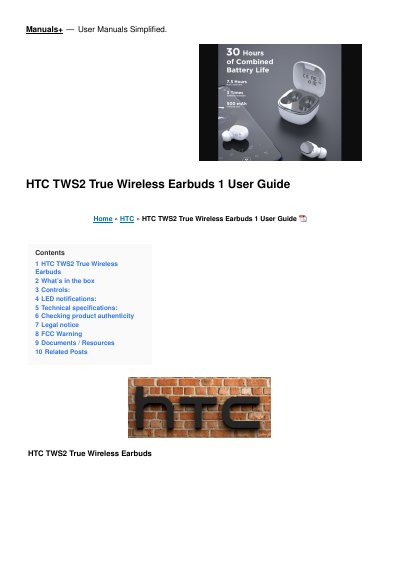
This user guide covers the HTC TWS2 True Wireless Earbuds, including what is in the box, how to pair the earbuds with a phone, and the touch controls for playback, calls, and the assistant.
It also lists technical specifications such as Bluetooth 5.1, IPX4 rating, and battery life, plus steps to check product authenticity and FCC compliance information.
| Bluetooth version | 5.1 |
|---|---|
| Water resistance | IPX4 |
| Bluetooth range | ≦ 10 m |
| Playtime | Approx. 8 hours (Volume level 50%) |
| Talk time | Approx. 5 hours (Volume level 50%) |
| Earbud battery capacity | 45 mAh |
| Charging case battery capacity | 400 mAh |
| Charging interface | Type-C |
| Net weight (single earbud) | 4.5 g |
Take the earbuds out of the charging case, turn on Bluetooth on your phone, and pair with “HTC TWS2”.
Tap three times on either earbud, put them back in the charging case, then take them out again.
Approximately 8 hours at 50 percent volume.