
HP LaserJet Tank MFP 260x Series Reference Guide

This reference guide covers features, control panel lights, button functions, toner refill procedures, and troubleshooting for the HP LaserJet Tank MFP 260x…
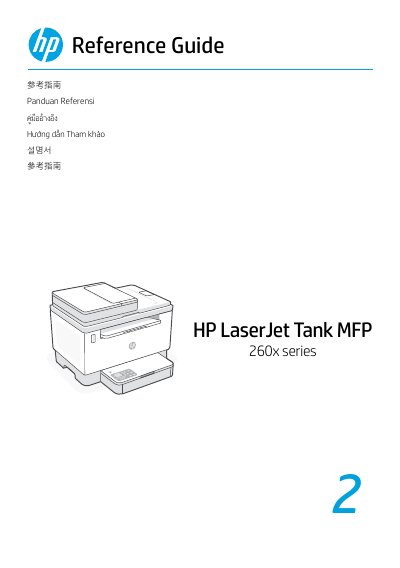

HP LaserJet Tank MFP 260x Series Reference Guide - cover page
Brand
HP
Category
Printer
Document type
User Manual
Language
English
Pages
24
File format
PDF
File size
8.1 MB
Published
18 November, 2026
Updated
18 November, 2026
MD5 checksum
5783F31291EAD326B669F3E37E058846

About this manual

This document serves as a reference guide for the HP LaserJet Tank MFP 260x series, providing information on printer features, control panel indicators, and button functions. It details the layout of the control panel, including the power button, Wi-Fi button, and various copy options, as well as the status of the toner gauge.

What's inside

  • Printer features
  • Control panel lights
  • Button and lights
  • Toner gauge
  • Toner refill
  • Help and Support
  • Troubleshooting
  • Wi-Fi setup

Frequently asked questions

How do I check the toner level?

Check the toner gauge indicator to determine when to add toner.

When can I add toner?

Toner can be added only when the port indicator shows an unlock icon.

What does it mean if the Wireless light is not blinking blue?

It means the printer might not be in Wi-Fi setup mode.

Download PDF (8.1 MB)

More HP Manuals


View all HP manuals →