
User guide for HP PageWide Managed Color MFP series printers, including models E77650, E77660, P77440, P77940, P77950, and P77960.
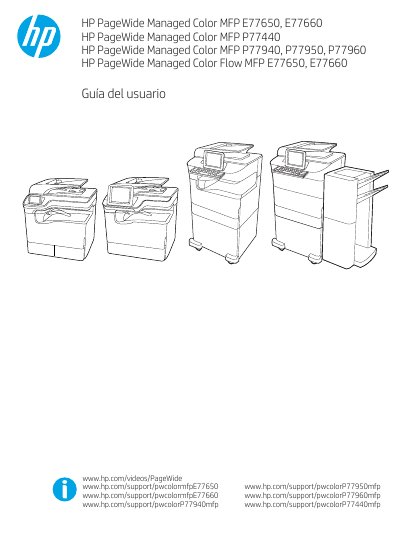
This user guide provides detailed instructions for the HP PageWide Managed Color MFP and Flow MFP series. It covers a wide range of models including the E77650, E77660, P77440, P77940, P77950, and P77960.
The manual includes guidance on hardware installation, paper tray loading, consumables replacement, and operating the printer's printing, copying, scanning, and faxing functions. It also details printer management via the Embedded Web Server (EWS) and troubleshooting procedures. This manual is written in Spanish.
| Pages per minute | 20 |
|---|
Refer to the troubleshooting section for when the printer does not pick up paper or feed errors occur.
Advanced configuration can be performed using the HP Embedded Web Server (EWS).