
Security configuration guide for HP LaserJet P3010 printer, covering web server password setup, encrypted hard drive, and third-party security device…
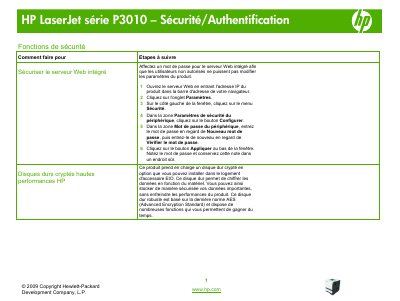
This guide explains how to secure the HP LaserJet P3010 printer by setting a password for the integrated web server, installing an optional encrypted hard drive, and integrating third-party security devices. It also covers how to lock menus on the control panel and securely erase data from the hard drive using HP Web Jetadmin software.
The printer supports hardware-based data encryption using AES standards and offers multiple levels of menu locking via a PIN. Users can configure secure data erasure modes including quick non-secure, quick secure, and sanitization secure erasure, each with different performance and compliance characteristics. This manual is written in French.
| Encryption Standard | AES (Advanced Encryption Standard) |
|---|---|
| Compliance Standard | DoD 5220-22.M |
Open the web server by entering the product’s IP address in your browser, click Settings, then Security, click Configure, enter the new password twice, and click Apply.
At maximum security, the RECOVER TASK menu requires a PIN, and the INFORMATION, PAPER MANAGEMENT, DEVICE CONFIGURATION, and DIAGNOSTICS menus are locked.