
User guide for HP LaserJet Professional P1560 and P1600 series printers, covering setup, software, printing, maintenance, and troubleshooting.
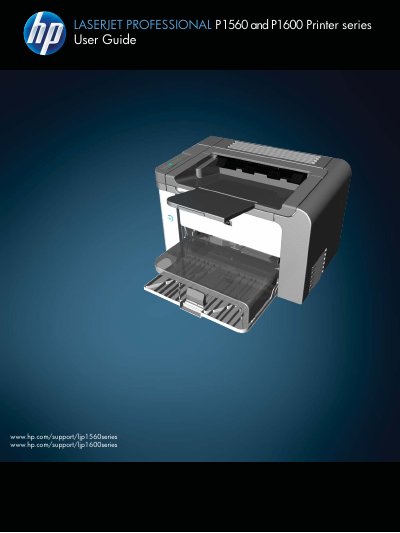
This user guide provides step-by-step instructions for setting up, operating, and maintaining HP LaserJet Professional P1560 and P1600 series printers. It covers software installation for Windows and Mac, network connectivity, paper handling, print tasks, and troubleshooting common issues. Maintenance procedures include cleaning components and replacing supplies. The guide also includes specifications and regulatory information. This manual is written in Chinese.
| Tray and bin capacity | Main-input tray: 250 sheets of 75 g/m2 (20 lb) bond; Priority input slot: equivalent to 10 sheets of 75 g/m2 (20 lb) bond; Output bin: up to 125 sheets of 75 g/m2 (20 lb) bond |
|---|
Clean the paper path as necessary. See Clean the paper path on page 69.
The print cartridge is nearing end of life. Redistribute the toner to extend the life. See Redistribute toner on page 58. The media might not meet HP specifications. Adjust the print density, and disable EconoMode in the printer Properties.