
This HP Officejet 6500 Wireless printer quick start guide describes the control panel buttons and how to change the display language.
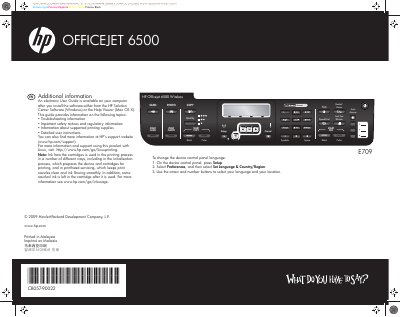
This sheet describes the control panel of the HP Officejet 6500 Wireless printer. It identifies the buttons for scan, copy, fax, and photo functions, and states that the unit was printed in Malaysia.
It explains how to change the control panel language through Setup, Preferences, and Set Language & Country/Region. After installing the HP software, an electronic User Guide is available on the computer with troubleshooting, safety, supplies, and detailed user instructions.
Press Setup on the control panel, select Preferences, then Set Language & Country/Region, and use the arrow and number buttons to select your language and location.
It is available on your computer after you install the HP software, from HP Solution Center on Windows or Help Viewer on Mac OS X.
Visit HP's support website at www.hp.com/support, or go to http://www.hp.com/go/linuxprinting for Linux printing support.