
This manual provides instructions for setting up, printing, scanning, copying, and using the fax features of the HP Officejet 6500 (E709) All-in-One printer.
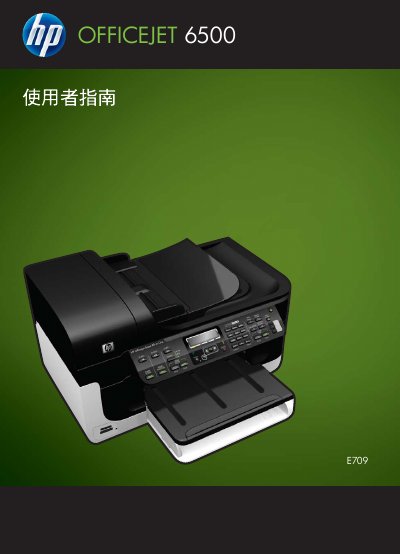
This document is the user manual for the HP Officejet 6500 (E709) All-in-One series. It covers the preparation of the device, including finding the model number and identifying components. The guide details how to use the control panel, load paper and ink cartridges, and manage device settings via software or the web interface. This manual is written in Chinese.
| Product Series | Officejet 6500 (E709) All-in-One series |
|---|---|
| Copyright Year | 2009 |
No, there are no user-serviceable parts inside the assembly; qualified service personnel should be contacted for repair issues.
The manual mentions support for Windows (including Windows XP and Vista) and Mac OS X.