
This quick start guide shows how to install HP Mobile Printing on Pocket PC devices and print emails, files, contacts, calendars and tasks via Bluetooth…
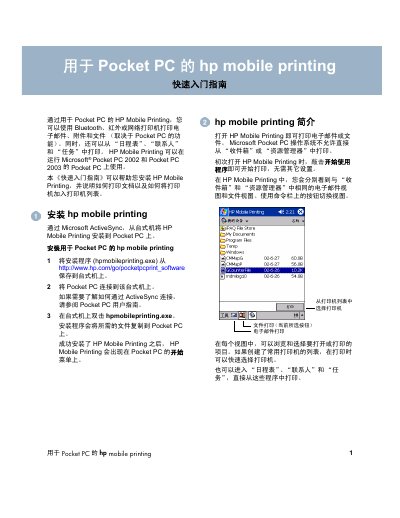
The guide explains the installation process for HP Mobile Printing on Pocket PC devices running Microsoft Pocket PC 2002 or 2003. Using Microsoft ActiveSync, you download the installer from HP's website, run it on a desktop PC, and the software is copied to the Pocket PC where it appears in the Start menu.
It then describes how to print emails, attachments, files, and documents (Word, PowerPoint, Excel, PDF) and how to add printers (Bluetooth, infrared, network) to the printer list. The guide also provides troubleshooting resources, including links to HP support and the software license terms. This manual is written in Chinese.
| Supported operating systems | Microsoft Pocket PC 2002 and Pocket PC 2003 |
|---|---|
| Supported connection types | Bluetooth, infrared, network |
| Supported document formats | Microsoft Word, PowerPoint, Excel, PDF |
| File viewer required for certain formats | WESTTEK ClearVue |