
User guide for HP MFP M139e-M142e series laser printers covering setup, operation, troubleshooting, and safety.
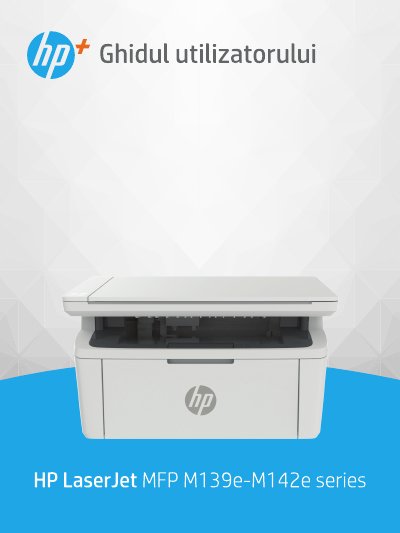
This manual provides step-by-step instructions for setting up, operating, and troubleshooting the HP MFP M139e-M142e series laser printer. It includes details on connecting to Wi-Fi or USB, printing from computers and mobile devices, scanning, copying, and replacing toner cartridges. Safety and environmental information is also included.
The guide covers configuration via Embedded Web Server, firmware updates, and network troubleshooting. It also explains how to use HP Smart app for printing and scanning, and provides detailed sections on handling paper jams, print quality issues, and wireless connectivity problems.
| Model Series | MFP M139e-M142e |
|---|---|
| Document Type | User Manual |
Remove the old cartridge by pressing the release lever, then insert the new one and close the cartridge access door.
HP LaserJet MFP M139e-M142e series.
It provides information on configuration, use, warranty, safety, and environmental information.
Disconnect the product from the electrical network.