
Installation and usage guide for HP Color LaserJet Pro MFP M477 printer, including power connection and USB storage printing setup.
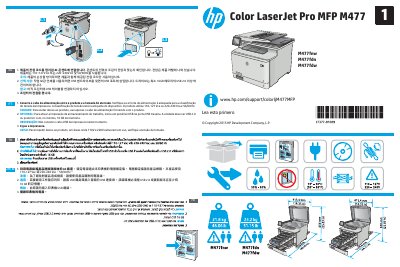
This manual provides step-by-step instructions for installing and using the HP Color LaserJet Pro MFP M477 printer. It covers connecting the power cord to a grounded AC outlet, verifying voltage compatibility, and enabling USB storage printing with a compatible USB thumb drive. The document is multilingual, with instructions in multiple languages including English, Chinese, Portuguese, Spanish, and French. This manual is written in Chinese.
| USB Drive Requirement | USB 2.0 or later, minimum 16 GB |
|---|
A USB 2.0 or later drive with at least 16 GB of memory is required.
The product uses either 110-127 Vac or 220-240 Vac and 50/60 Hz.
Use only the power cord that is provided with the product.
The drive must be USB 2.0 or later with a minimum of 16 GB of memory.