
This user guide provides instructions for the HP LaserJet Professional M1130/M1210 Multi-Function Printer, covering setup, printing tasks, and troubleshooting.
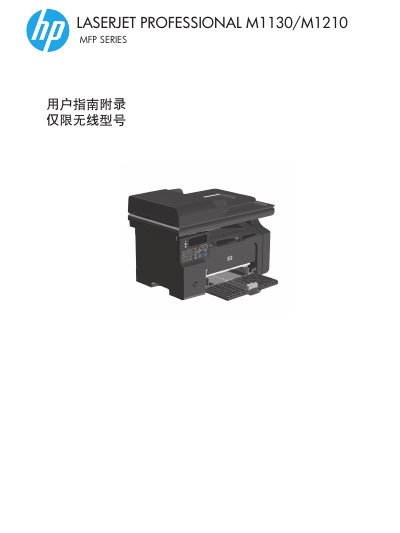
This document is the User Guide for the HP LaserJet Professional M1130/M1210 MFP Series. It contains basic product information, a description of the control panel layout, and instructions on how to use the various menu options available on the device.
The guide also covers connecting the printer to a network or wireless setup, executing print jobs using features like HP ePrint and Direct Print, and provides troubleshooting steps for connection issues and wireless problems. Additionally, it includes regulatory compliance information for various regions. This manual is written in Chinese.
The carbon toner level indicator light shows whether the toner in the print cartridge is low.
Press the Cancel button when the product is in the ready state to reset copy settings to default.