
HP LaserJet Professional M1130/M1210 MFP Series Laser Multifunction Printer User Guide

Spanish user guide for the HP LaserJet Professional M1130/M1210 MFP Series, covering printing, copying, scanning, fax, and maintenance.
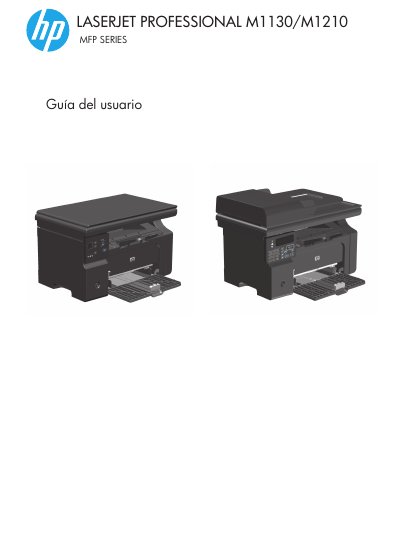

HP LaserJet Professional M1130/M1210 MFP Series Laser Multifunction Printer User Guide - cover page
Brand
HP
Category
All-in-one printer
Document type
User Manual
Language
Spanish
Pages
304
File format
PDF
File size
6.9 MB
Published
17 November, 2026
Updated
17 November, 2026
MD5 checksum
5F39928620CE279399C6D440259734A5

About this manual

The HP LaserJet Professional M1130/M1210 MFP Series user guide is provided in Spanish. It begins with product basics, control panel menus for the M1210 Series, and software sections for Windows and Mac.

Later sections cover connecting the product, paper and print media, print tasks, copying, scanning, and fax for the M1210 Series. The guide also includes product management and maintenance topics. This manual is written in Spanish.

What's inside

  • Product basics
  • Control panel menus (M1210 Series only)
  • Windows and Mac software
  • Product connection
  • Paper and print media
  • Print tasks
  • Copy
  • Scan
  • Fax (M1210 Series only)
  • Product management and maintenance

Frequently asked questions

Which printer series does this guide cover?

It covers the HP LaserJet Professional M1130/M1210 MFP Series.

Which models include fax features according to the table of contents?

Fax features are listed for the M1210 Series only.

Does the guide include instructions for Mac software?

Yes, it includes a Mac software section.

What language is the guide written in?

It is written in Spanish.

Download PDF (6.9 MB)

More HP Manuals


View all HP manuals →