
HP LaserJet Professional M1130/M1210 MFP series user guide covering printing, copying, scanning, fax (M1210 only), connections, and troubleshooting.
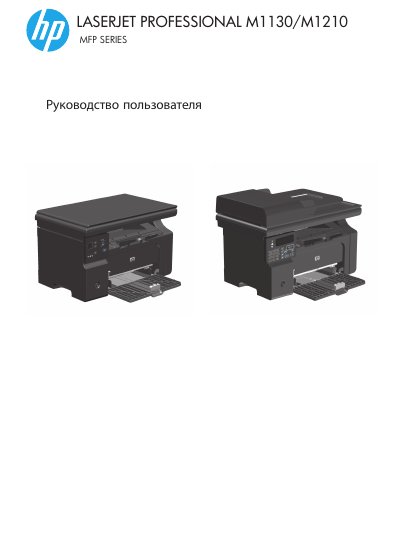
Russian-language user guide for the HP LaserJet Professional M1130/M1210 MFP series. It introduces the product, shows front and rear views, explains where the serial and model numbers are located, and describes the control panel; control panel menus are covered for the M1210 series only.
The guide covers Windows and Mac software, USB and network connections (network for the M1210 series only), paper and print media, print features such as booklets and pages per sheet, copying, scanning, and fax setup and use for the M1210 series. It also includes device management and maintenance, troubleshooting, and regulatory and warranty information. This manual is written in Russian.
Yes, the guide includes a section on printing multiple pages per sheet in Windows.