
This HP DesignJet 5000 and 5500 Series Printer Service Manual covers calibration error codes 2101–2607, 3100, 3110, and 3120 with corrective actions.
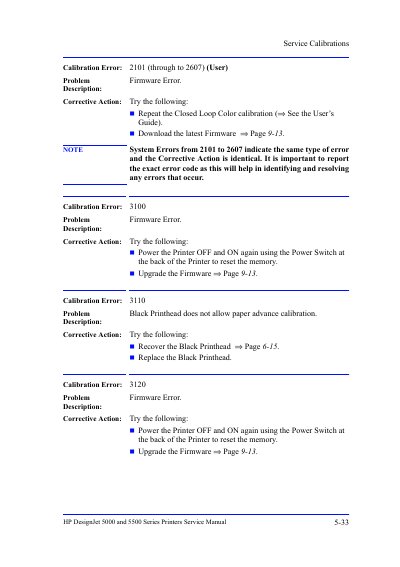
This HP DesignJet 5000 and 5500 Series Printer Service Manual provides service calibration information for the printers.
It lists calibration error codes from 2101 to 2607, plus errors 3100, 3110, and 3120, with problem descriptions and corrective actions such as repeating calibration, power cycling, or upgrading firmware. This manual is written in Chinese.
Repeat the Closed Loop Color calibration or download the latest firmware.
Recover the Black Printhead or replace the Black Printhead.
Power the printer OFF and ON again using the power switch at the back, or upgrade the firmware.