
This HP Color LaserJet Enterprise X654 installation guide covers printer placement, power connection, network setup, and software installation.
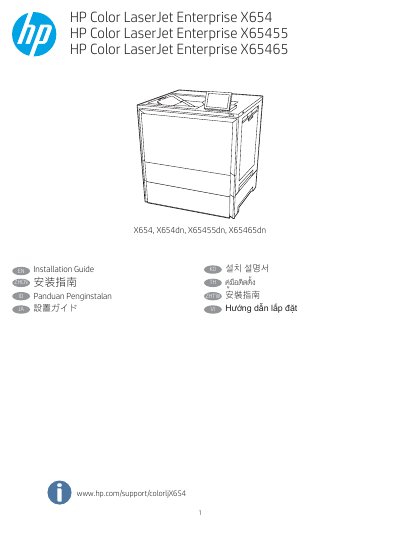
The HP Color LaserJet Enterprise X654 Installation Guide provides setup instructions for the printer, including selecting a suitable location, connecting power and network cables, and installing software.
It includes cautions about paper trays, voltage ratings of 100-127 Vac or 220-240 Vac at 50/60 Hz, and using only the provided power cable. The guide also explains initial control panel setup for language, date/time format, and time zone. This manual is written in Chinese.
| Dimensions | 860 mm 33.8 in 537 mm 21.14 in 770 mm 30.3 in |
|---|---|
| Weight | 29.03 kg 64 lb |
| Voltage rating | 100-127 Vac or 220-240 Vac and 50/60 Hz |
| Optional tray | 550-sheet tray |
No, do not use the paper tray as a step.
No, the cables are not included with the printer.
The printer uses 100-127 Vac or 220-240 Vac and 50/60 Hz.
No, do not connect the USB cable now.