
HP 8500 OfficeJet Pro Wireless User Manual provides installation, connection, and usage instructions for Windows and Mac OS X.
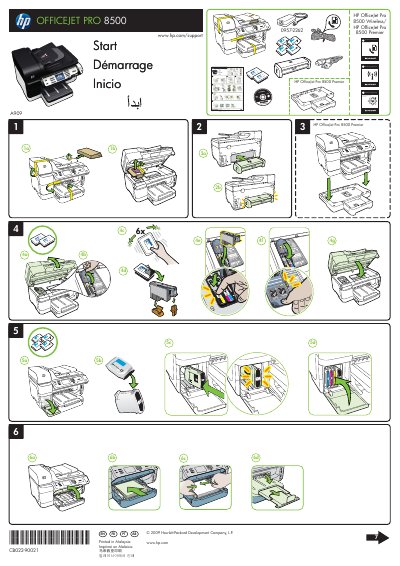
The HP 8500 OfficeJet Pro Wireless User Manual is a comprehensive guide for setting up and using the printer. It includes installation instructions for Windows and Mac OS X, network connection steps, fax functionality, and software installation guidance.
This manual covers troubleshooting, safety notices, supported printing supplies, and detailed user instructions for the HP 8500 OfficeJet Pro Wireless all-in-one printer.
| Network connection method | Wireless (802.11) |
|---|---|
| Fax functionality | Yes |
Connect the all-in-one to a phone jack using the phone cord or adapter provided with the all-in-one.
Install software first, then connect the USB cable when prompted.
Connect the USB cable, and then install software.