
HP 8.02 Diagnostics Software Installation and Configuration Guide

HP Diagnostics 8.02 Installation and Configuration Guide for installing and configuring HP Diagnostics software on Windows and UNIX systems.
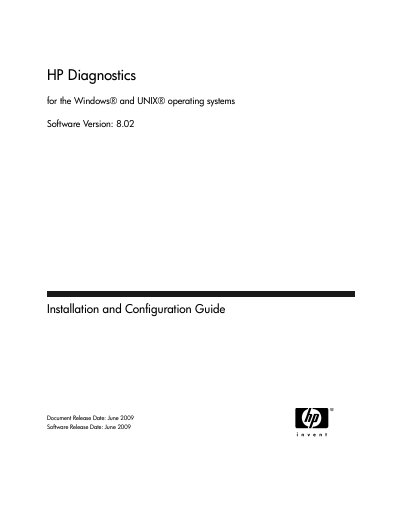

HP 8.02 Diagnostics Software Installation and Configuration Guide - cover page
Brand
HP
Category
Other software
Document type
Installation Guide
Language
English
Pages
782
File format
PDF
File size
5.8 MB
Published
22 November, 2026
Updated
22 November, 2026
Model
8.02
MD5 checksum
0C514590D64F77EF6A666419E5518335

About this manual

This guide provides installation and configuration instructions for HP Diagnostics software version 8.02 on Windows and UNIX operating systems. It was released by Hewlett-Packard in June 2009.

The document covers preparing for installation, installing the diagnostics server and collectors, setting up Java and .NET agents, licensing, custom instrumentation, and advanced configuration of server and probe components.

What's inside

  • Preparing to Install HP Diagnostics
  • Installing the Diagnostics Server
  • Licensing HP Diagnostics
  • Installing Diagnostics Collectors
  • Installing Java Agents
  • Installing .NET Agents (Probes)
  • Custom Instrumentation for Java Applications
  • Custom Instrumentation for .NET Applications
  • Advanced Diagnostics Server Configuration
  • Understanding the .NET Probe Configuration File

Specifications

Software version8.02
Operating systemsWindows and UNIX

Frequently asked questions

What software version does this guide cover?

It covers HP Diagnostics software version 8.02.

Which operating systems are supported for HP Diagnostics installation?

The software supports the Windows and UNIX operating systems.

When was this document released?

The document release date is June 2009.

Who holds the copyright for this guide?

The copyright is held by Hewlett-Packard Development Company, L.P.

Download PDF (5.8 MB)

More HP Manuals


View all HP manuals →