
This manual provides installation, configuration, and usage instructions for the Hollysys HOLLiAS-LEC G3 series compact integrated PLC.
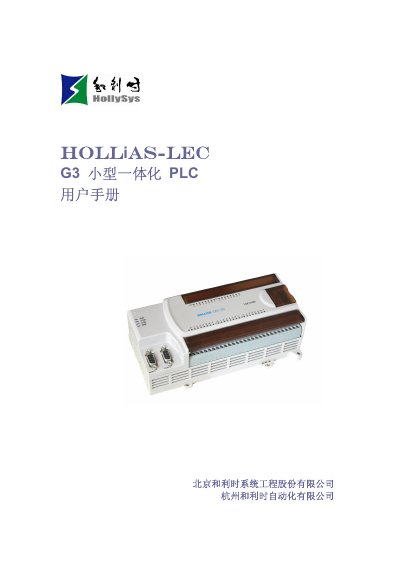
The document serves as a user guide for the HOLLiAS-LEC G3 series of small-scale integrated Programmable Logic Controllers (PLCs). It covers product overviews, hardware composition including CPU modules and expansion options, working modes, and communication interfaces. The manual details how to install the device, configure it using the Power Pro software, create projects, write programs, and manage system security through password protection. This manual is written in Chinese.
The system supports multiple programming languages including Ladder Diagram (LD), Instruction List (IL), Function Block Diagram (FBD), Sequential Function Chart (SFC), Structured Text (ST), and Continuous Function Chart (CFC).
Users can connect the PLC to a personal computer's COM1 port using a programming cable via the standard RS232 serial communication interface on the left side of the CPU module.
If the password is forgotten, users must contact the controller manufacturer immediately to retrieve it.