
Installation instructions for the Hochiki DCP-DIMM Dual Input Monitor Module, covering wiring, mounting, and SCI circuit operation.
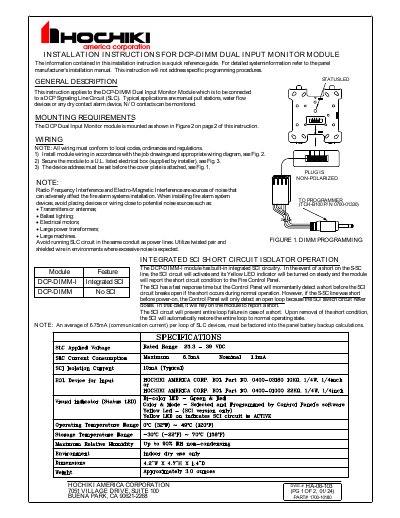
This document provides installation instructions for the Hochiki DCP-DIMM Dual Input Monitor Module, which is designed for use in fire alarm systems. It details the mounting requirements, wiring configurations for dry contact devices, and programming steps for the module's address setting. The guide also explains the operation of the built-in Short Circuit Isolator (SCI) circuit.
| Part Number | 1700-10180 |
|---|---|
| Maximum line impedance | 3.50Ω |
| Wire gauge range | 12 to 22 AWG |
| Maximum conductors per terminal | 2 |
| Warranty period | One (1) year |
The SCI circuit activates if there is a short on the S-SC line, turning on the Yellow LED and reporting the condition to the Fire Control Panel to prevent loop failure.
Yes, but the operator and local authority must be informed that the system will be temporarily out of service, and power must be disconnected before installation.
The module can connect to N/O (Normally Open) dry contact closure devices such as manual pull stations or water flow devices.