
User manual for Hobby Eagle's A3 3-axis gyro and stabilizer, covering setup, calibration, flight modes, and safety.
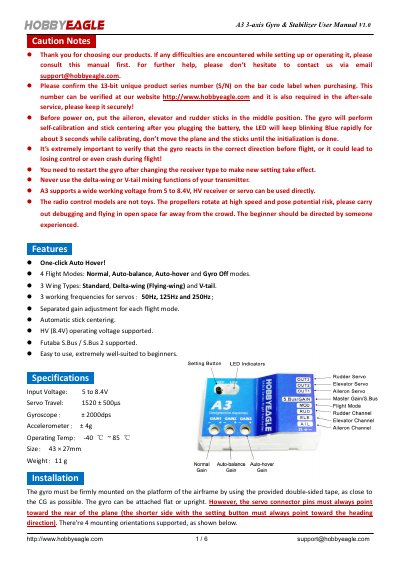
This manual guides users through installing and configuring the Hobby Eagle A3 3-axis gyro and stabilizer. It covers connection methods for standard and Futaba S.Bus receivers, flight mode selection (Normal, Auto-balance, Auto-hover, Gyro Off), stick centering, and calibration procedures for level and vertical attitude. Safety precautions are included, emphasizing correct gyro direction verification before flight.
The device supports 3 wing types (Standard, Delta-wing, V-tail), operates on 5–8.4V, and features adjustable gain per flight mode. It includes a one-click auto-hover function and is designed for beginners with automatic stick centering and easy setup.
| Input Voltage | 5 to 8.4V |
|---|---|
| Servo Travel | 1520 ± 500μs |
| Gyroscope | ± 2000dps |
| Accelerometer | ± 4g |
| Operating Temp | -40 ℃ ~ 85 ℃ |
| Size | 43 × 27 mm |
| Weight | 11 g |
The A3 supports 4 flight modes: Normal, Auto-balance, Auto-hover, and Gyro Off. These can be switched using a 3-way switch on the transmitter.
The A3 supports a working voltage from 5 to 8.4V, compatible with HV receivers or servos.
Press and hold the button for more than 2 seconds until the LED starts blinking Blue & Red rapidly.