
Key facts
- Manuals
- 4
- Languages
- EN · ZH
- Last added
- 2026-10-31
Featured HOBBYEAGLE manuals
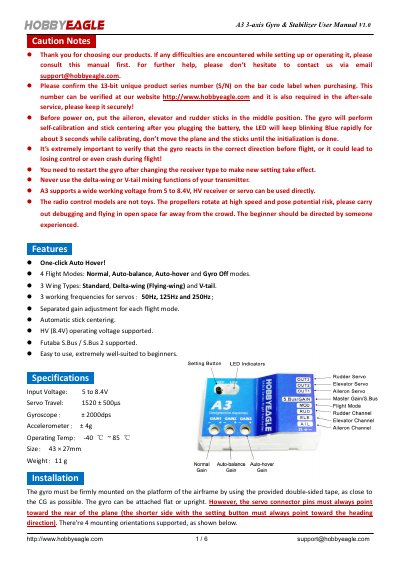
Hobby Eagle A3 3-axis Gyro & Stabilizer User Manual
This manual guides users through installing and configuring the Hobby Eagle A3 3-axis gyro and stabilizer. It covers connection methods for standard and Futaba S.Bus receivers, flight mode selection (Normal, Auto-balance, Auto-hover, Gyro Off), stick centering, and calibration procedures for level and vertical attitude. Safety precautions are included, emphasizing correct gyro direction verification before flight.
The device supports 3 wing types (Standard, Delta-wing, V-tail), operates on 5–8.4V, and features adjustable gain per flight mode. It includes a one-click auto-hover function and is designed for beginners with automatic stick centering and easy setup.
Covers: Installation · Connection · Flight Modes · Calibration · Setting Methods · Stick Centering
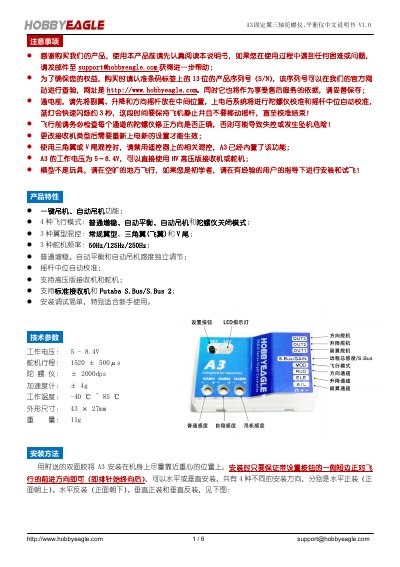
HobbyEagle A3 Fixed-Wing Gyro Balance User Manual
The HobbyEagle A3 is a three-axis gyroscope and balance unit designed for fixed-wing model aircraft. It features automatic stabilization, auto-leveling, and one-key aerobatics (auto-loop) modes to assist with flight stability. The device supports various wing types including conventional wings, delta wings, and V-tails. This manual is written in Chinese.
Covers: Product Features · Technical Specifications · Installation Method · Connection Methods · Flight Modes · Gyro Direction Check
HobbyEagle A3 Lite 3-Axis Gyro System User Manual
The HobbyEagle A3 Lite is a high-performance 3-axis gyro system designed for R/C airplanes. It features three flight modes: NORMAL, GYRO OFF, and LOCK, which can be switched via a transmitter switch. The device includes three trimming potentiometers for adjusting basic gain on the Aileron, Elevator, and Rudder axes to ensure stable flight.
Covers: Installation · Connection · Flight Modes · Gain Adjustment · Setup Menu · Gyro Direction
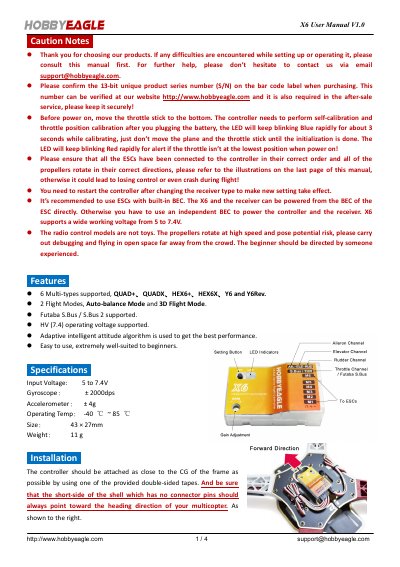
HobbyEagle X6 Flight Controller User Manual
The HobbyEagle X6 is a flight controller supporting six multi-rotor configurations, including Quad+, Hex6+, and Y6. It features two flight modes: Auto-balance and 3D Flight, and supports Futaba S.Bus and S.Bus 2 protocols. The device operates on a voltage range of 5 to 7.4V and includes an adaptive intelligent attitude algorithm.
Covers: Caution Notes · Features · Specifications · Installation · Connection · Flight Modes
Latest HOBBYEAGLE manuals
Hobby Eagle A3 3-axis Gyro & Stabilizer User Manual
User Manual 6 pages · 1.5 MB · ENUser manual for Hobby Eagle's A3 3-axis gyro and stabilizer, covering setup, calibration, flight modes, and safety.
HobbyEagle A3 Fixed-Wing Gyro Balance User Manual
User Manual 6 pages · 2 MB · ZHThis manual provides instructions for installing, connecting, and configuring the HobbyEagle A3 fixed-wing gyro stabilizer and balance unit.
HobbyEagle A3 Lite 3-Axis Gyro System User Manual
User Manual 10 pages · 609 KB · ENThis manual provides installation, connection, and setup instructions for the HobbyEagle A3 Lite 3-axis gyro system designed for R/C airplanes.
HobbyEagle X6 Flight Controller User Manual
User Manual 4 pages · 1.9 MB · ENThis manual covers setup, operation, calibration, and settings for the HobbyEagle X6 flight controller used in RC multicopters.
Which document do I need?
User Manual
Day-to-day operation, settings and troubleshooting. Start here if the product is already set up.
Questions answered in HOBBYEAGLE manuals
What are the supported flight modes?
The A3 supports 4 flight modes: Normal, Auto-balance, Auto-hover, and Gyro Off. These can be switched using a 3-way switch on the transmitter.
From: Hobby Eagle A3 3-axis Gyro & Stabilizer User Manual
What is the operating voltage range?
The A3 supports a working voltage from 5 to 8.4V, compatible with HV receivers or servos.
From: Hobby Eagle A3 3-axis Gyro & Stabilizer User Manual
What are the four flight modes supported by the A3?
The device supports Normal Stabilization, Auto Balance, Auto Loop (One-key aerobatics), and Gyro Off modes.
How do I enter the settings menu?
Press and hold the button for about 2 seconds until the red and blue lights flash simultaneously, then release.
What are the three flight modes of the A3 Lite?
The three flight modes are NORMAL, GYRO OFF, and LOCK, which can be switched by a 3-position switch on the transmitter.
How do you enter the Setup Menu?
Press and hold the button for about 2 seconds until the LED starts flashing Blue and Red quickly.