
Installation guide for Heckler Design's Wall MOUNT Secure Mounting Frame compatible with iPad mini 1-4.
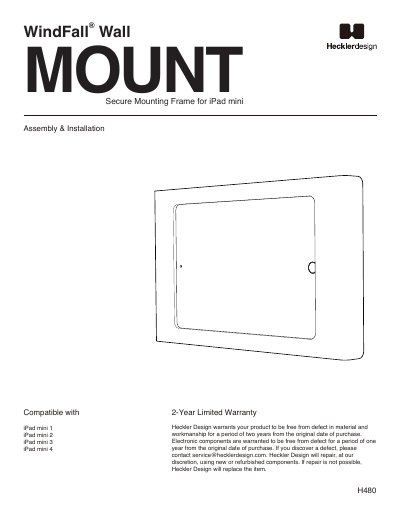
This guide provides step-by-step instructions for installing the WindFall® Wall MOUNT Secure Mounting Frame for iPad mini. It includes compatible models, mounting options (drywall, gangbox, VESA arm, or kiosk floor stand), and tools needed. The guide also covers bezel assembly, power over Ethernet (optional), and tablet installation with tightening instructions.
Warranty information is included, covering two years for materials and workmanship, with one year for electronic components. Defects can be reported to [email protected] for repair or replacement using new or refurbished parts.
Heckler Design warrants the product to be free from defect in material and workmanship for a period of two years from the original date of purchase.
The frame is compatible with iPad mini 1, iPad mini 2, iPad mini 3, and iPad mini 4.
You must install the bezel and then tighten the four screws, first by hand and then fully with the tool.