
This manual covers the setup, operation, charging, and troubleshooting for the Haylou W1 True Wireless Earbuds.
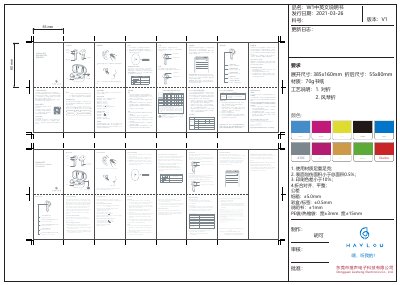
This document is the user manual for the Haylou W1 True Wireless Earbuds. It details the package contents, basic parameters such as battery capacity and Bluetooth version, and provides instructions on how to wear the earbuds, charge them, and connect them to a device. The guide also explains how to switch between mono and stereo modes and how to reset the earbuds if they malfunction. This manual is written in Chinese.
| Bluetooth Version | V5.2 |
|---|---|
| Battery Capacity (Earbuds) | 32mAh |
| Battery Capacity (Case) | 310mAh |
| Operation Range | 10m |
| Talk Time | approx. 3hr |
| Standby Time | approx. 50hr |
To enter stereo mode, pick up both earbuds. To enter mono mode, push one earbud back into the charging case.
The warranty period is 12 months from the date of purchase for quality-related issues.