
This user manual covers the setup, charging, pairing, and operation of Haylou MoriPods true wireless earbuds.
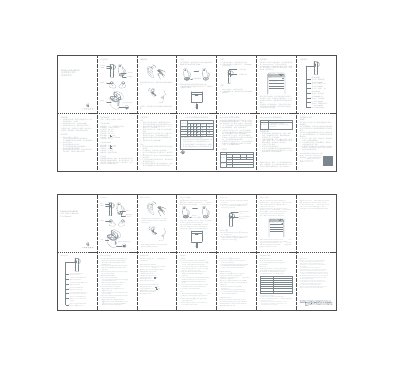
The document provides instructions for using Haylou MoriPods true wireless earbuds. It details how to wear the earbuds, charge them via the case, and power them on automatically or manually.
The guide explains how to pair the earbuds with a Bluetooth device by searching for 'Haylou Moripods'. It also lists touch controls for music playback, call management, voice assistants, and game mode.
| Operation range | 10m (open space with no obstacle) |
|---|---|
| Battery capacity (single earbud) | 35mAh |
| Charging times | approx. 2hr |
| Talk time | approx. 5hr |
| Standby time | approx. 50hr |
| Input parameter | 5V 3BmA |
| Battery type | Li-ion |
| Bluetooth version | W5.2 |
Insert the charging cable into the contacts on both earbuds and the charging case to charge them at the same time.
A solid red light on the charging indicator means the charging case is not fully charged.
Put the earbuds back into the charging case, then quickly and continuously click the left and right MFB buttons 5 times at the same time.