
This quick start guide covers setup, Bluetooth pairing, multi-point connection, audio cable playback, lighting effects, and auto standby for the Harman Aura…
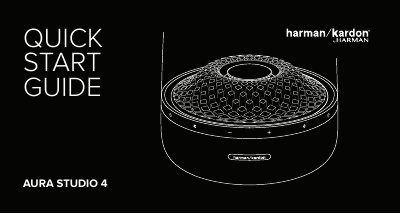
This document serves as a quick start guide for the Harman Aura Studio 4 speaker. It provides step-by-step instructions for powering the device on and off, pairing it with Bluetooth devices, and connecting multiple sources simultaneously. The guide also explains how to play music via an audio cable and how to adjust the built-in lighting effects to sync with music playback.
| Bluetooth Version | 4.2 |
|---|---|
| Supported Profiles | A2DP 1.3, AVRCP 1.6 |
| Drivers | 40 mm x 6 (Mid-High), 130 mm x 1 (Subwoofer) |
| Power Output | 2 x 15 W RMS + 1 x 100 W RMS |
| Frequency Response | 45 Hz – 20 kHz (-6 dB) |
| Power Supply | 100 – 240 V ~ 50/60 Hz |
| Dimensions | 284 x 233 x 233 mm |
| Weight | 3.6 kg |
Press and hold the power button for more than 5 seconds to disable the auto standby feature.
The speaker supports a maximum of 2 devices for multi-point connection.
Ensure no music is playing through Bluetooth before connecting the audio cable to start playback through the cable.