
This guide explains how to install and configure the Haimedi player driver for integration with Control4 smart home systems.
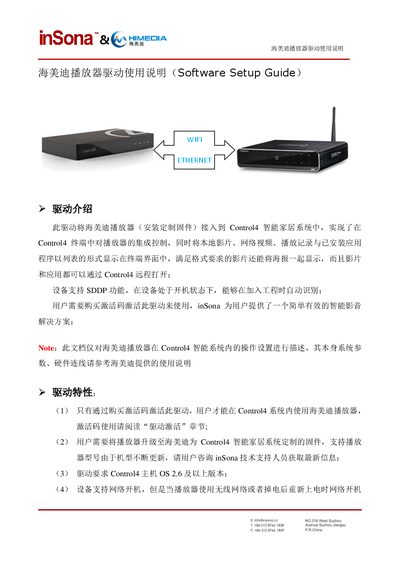
The document provides an overview of the Haimedi player driver, describing its purpose of integrating the player with Control4, required firmware, activation code usage, and supported features such as network boot and SDDP discovery.
It then details the installation steps, driver activation, device property configuration, available action commands, connection options, and troubleshooting tips for common issues like offline status or driver control failures. This manual is written in Chinese.
| Player Status | 播放器网络状态 |
|---|---|
| Player MAC Address | 播放器 MAC地址(用于激活码激活) |
| License | 驱动的激活码 |
| Power On Delay Seconds | 开机命令延时发送时间 |
| Power Off Delay Seconds | 关机机命令延时发送时间 |
| Red Button | 彩色键红键的自定义命令 |
| Green Button | 彩色键绿键的自定义命令 |
| Yellow Button | 彩色键黄键的自定义命令 |
| Blue Button | 彩色键蓝键的自定义命令 |
| Debug Mode | 控制驱动日志输出 |
| Active Status | 驱动激活码状态 |
| Driver Version | 驱动版本信息 |
Download the driver from www.insona.cc, open Composer, select Driver → Add Driver, and the driver will appear in the library for you to add to the project.
Copy the activation code into the License field on the Properties page, then set it; the status will change to Actived if activation succeeds.
Disable SDDP and manually add the device by entering the player’s IP address in the driver’s identification window.