
Key facts
- Manuals
- 1
- Languages
- ZH
- Last added
- 2026-10-03
Featured 海美迪 manuals
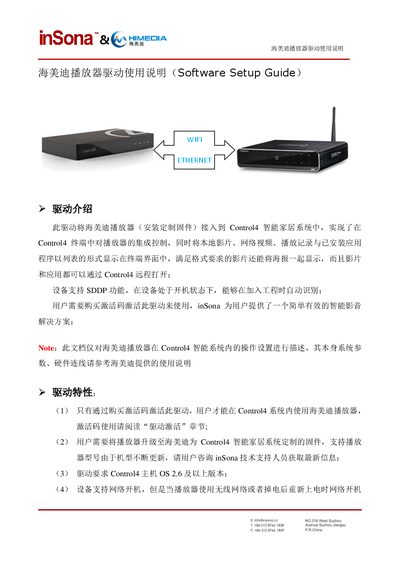
Haimedi Player Driver Installation Guide
The document provides an overview of the Haimedi player driver, describing its purpose of integrating the player with Control4, required firmware, activation code usage, and supported features such as network boot and SDDP discovery.
It then details the installation steps, driver activation, device property configuration, available action commands, connection options, and troubleshooting tips for common issues like offline status or driver control failures. This manual is written in Chinese.
Covers: Driver Overview · Installation Procedure · Device Properties · Action Commands · Connection Options · Driver Activation
Latest 海美迪 manuals
Haimedi Player Driver Installation Guide
Installation Guide 8 pages · 959 KB · ZHThis guide explains how to install and configure the Haimedi player driver for integration with Control4 smart home systems.
Which document do I need?
Installation Guide
Mounting, wiring and first power-up. Read it before the hardware goes in.
Questions answered in 海美迪 manuals
How do I add the Haimedi player driver to Control4?
Download the driver from www.insona.cc, open Composer, select Driver → Add Driver, and the driver will appear in the library for you to add to the project.
How can I activate the driver after installation?
Copy the activation code into the License field on the Properties page, then set it; the status will change to Actived if activation succeeds.