
User manual for the Haier 29F9K-P television, covering setup, operation, remote control functions, and specifications.
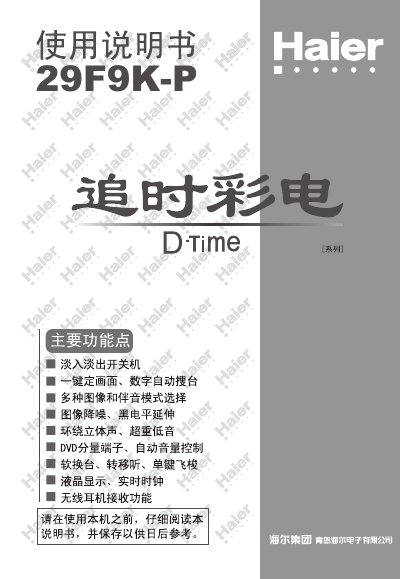
This manual provides instructions for setting up and operating the Haier 29F9K-P television. It covers initial setup steps such as unpacking, placing the unit, installing the remote control batteries, and connecting antennas. The guide also details how to use the remote control for channel selection, image and sound adjustments, and accessing various menus. This manual is written in Chinese.
| Screen Size | 29 inch |
|---|---|
| Color System | PAL, NTSC |
| Power Supply | 150V-250V 50Hz/60Hz |
| Power Consumption | 150W |
| Dimensions | 724mm x 600mm x 550mm |
Press the number key '1' on the remote control continuously for about 6 seconds.
It automatically adjusts image and sound parameters to factory-recommended settings by pressing the number key '0' for 6 seconds.